Welcome Window
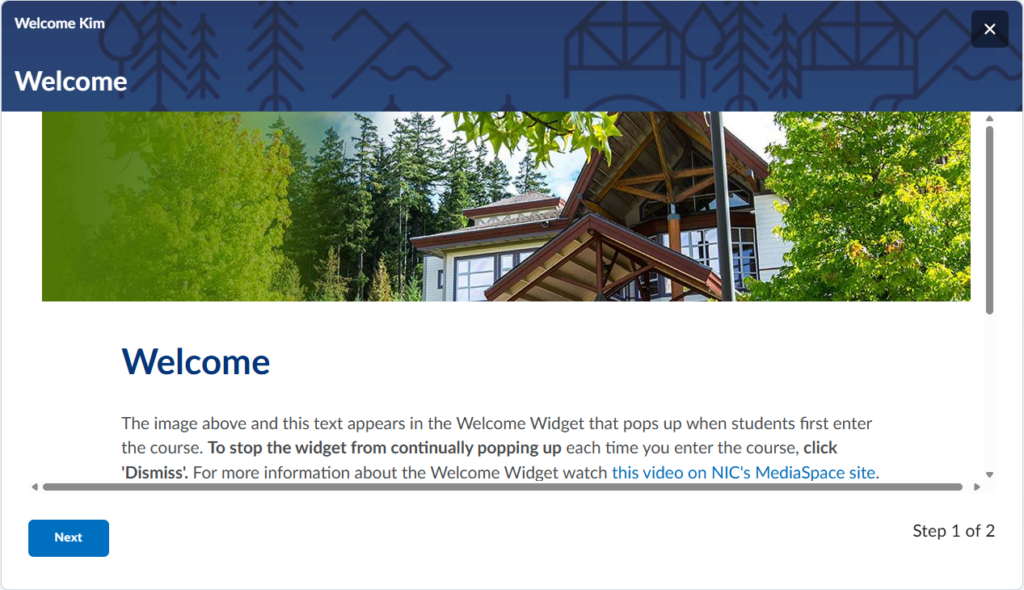
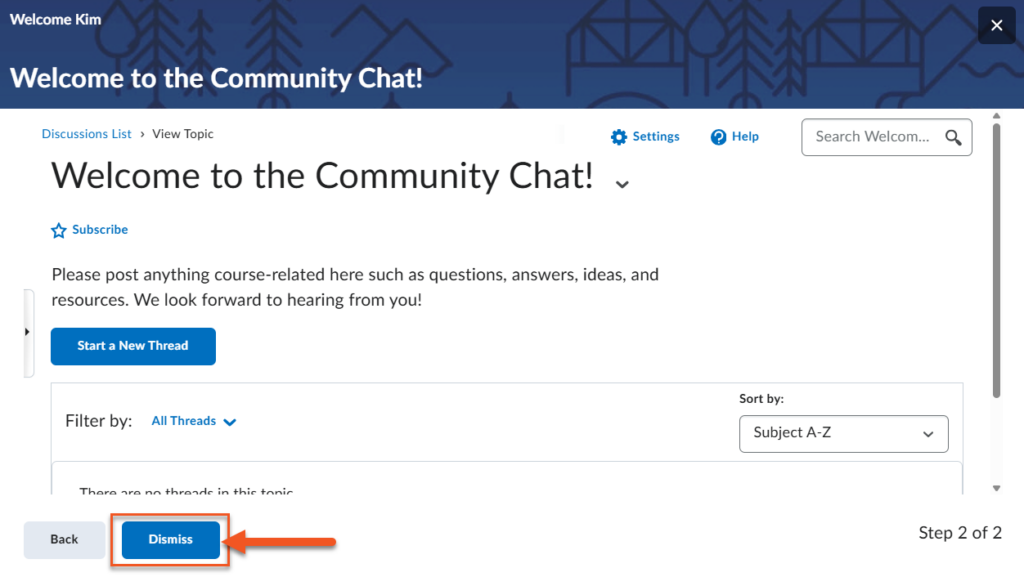
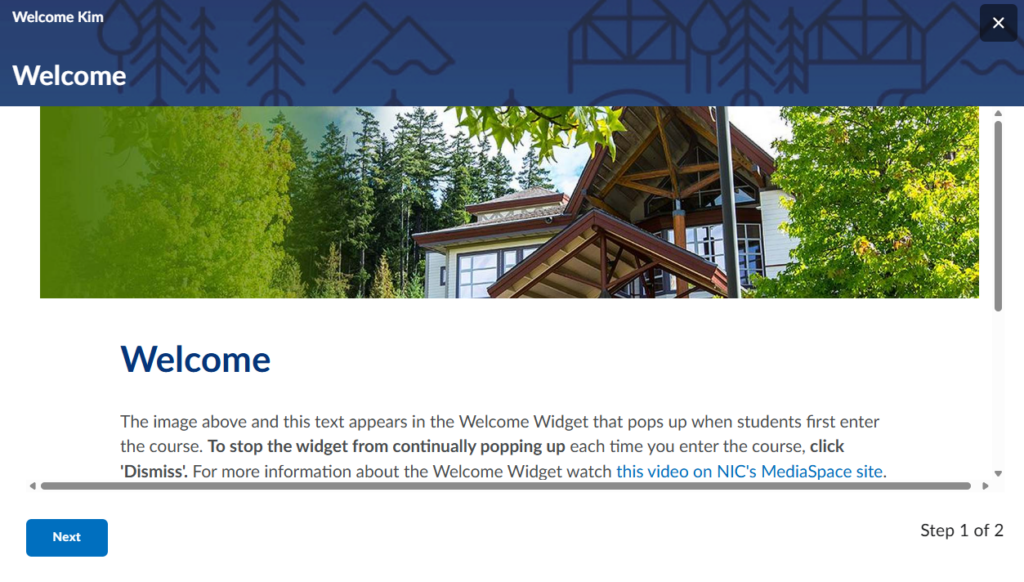
The Welcome Window is a series of pop-up pages that appear when students first enter the course. It can be used to share weekly messages, important reminders, or an overview of what’s coming up. Students click through the pages and dismiss them once they’ve finished reading.
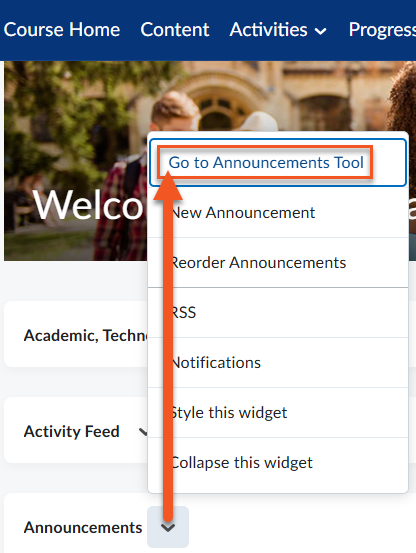
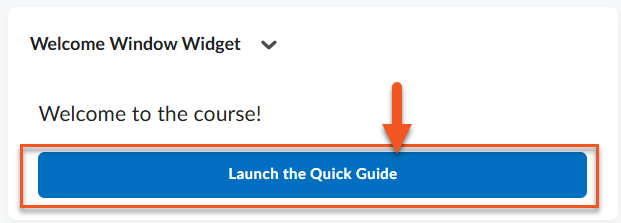
The Welcome Window can be revisited at any time using the blue Quick Launch button on the course home page or by accessing the corresponding HTML page in the Content area.
Setting up the Welcome Widget
- To trigger the Welcome Widget, create a module/unit in the Content area of your course with the word ‘welcome’ in its title. Add either an HTML page, activity or document to the module. Note that the content that shows in your welcome module is the same content that pops up on the Course Homepage when students enter the course.
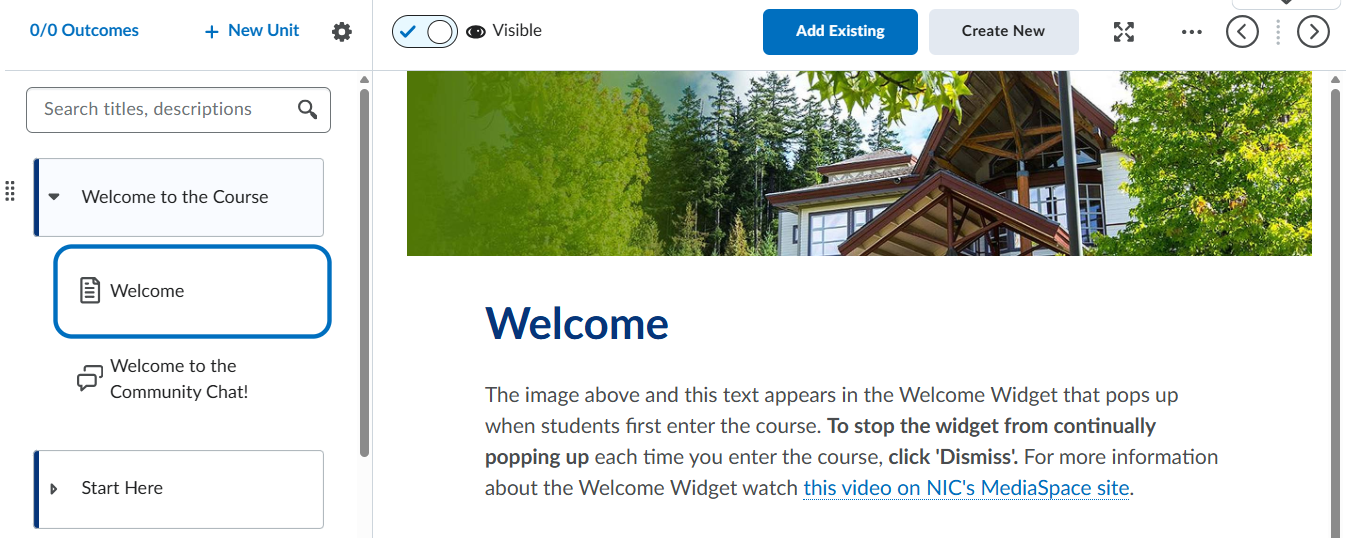
- To close the widget and not have it pop up again, click Dismiss.